
Run hire, stock and finance on one record.
IME is a single system for equipment hire and rental, inventory and purchasing, debtors and creditors, the general ledger, workshop jobs and project costing. What happens on site is already in the ledger — there is nothing to interface and nothing to key twice. A built-in AI assistant does the typing; you check it and press Save.
Browser-based. Multi-branch, multi-company and multi-currency out of the box.




IME Assistant — a purchase order filled from a supplier quote, waiting for you to press Save
An assistant that works the screens with you — and leaves Save to you.
The IME Assistant sits on every screen. It knows your help pages, your menu and the record you have open, so it can answer the question, open the right screen and do the typing.
Ask
How-to questions are answered from your own help pages, with a button to open the screen it names.
“How do I reverse a customer payment?”
Do
It opens the screen, looks up the customer, supplier, part or stock by branch, and fills the fields and lines as you would type them.
“Start a hire quote for Harbour Civil at Wynyard Quarter.”
Read
Drop in a PDF or a photo — a supplier quote, an order, a drawing — and it fills the screen from it or files it on the right record.
“Raise a purchase order for this quote.”
- Never saves, posts or deletes — changed fields are outlined and you press Save
- Only opens screens on your own menu
- Every step it takes is logged against your user
Start from the job you actually do.



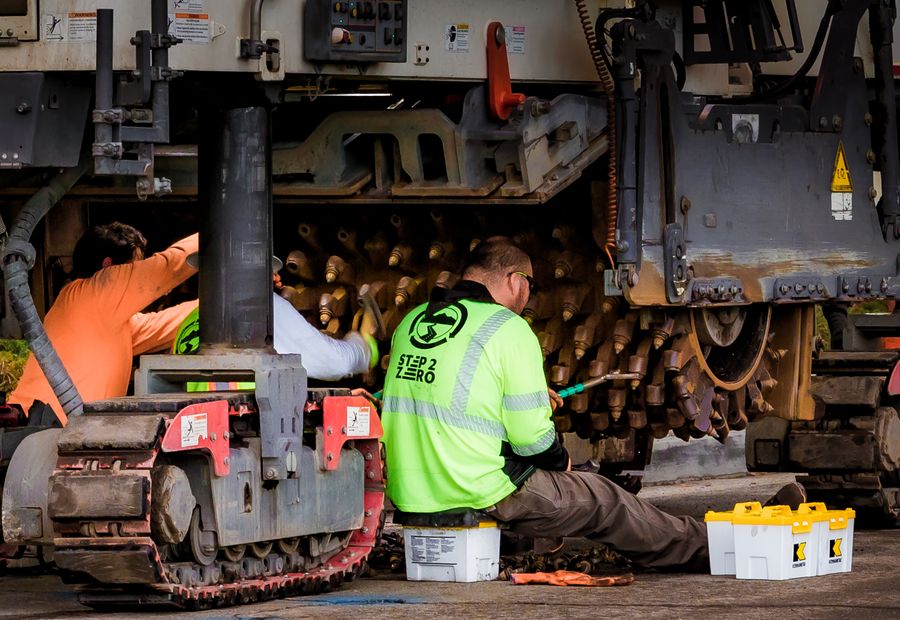
Each step writes the record the next one reads.
The delivery puts a machine on hire and the charge days start. If the customer stops using it but it stays on site, an off-hire pauses the billing until the hire resumes. The hire ends when the unit is returned, which is also when the stock comes back on hand. The period billing run prices the days that actually accrued, and posting puts the revenue and GST in the ledger.
Four steps, because they happen at four different times. One record, so none of them is keyed into a second system.
- No nightly interface between operations and finance
- No spreadsheet in the middle holding the real numbers
- No second capture, so no second chance to get it wrong
Seven areas. One database underneath.
Every module writes to the same transactional core, so a contract, a stock movement and a journal are three views of one event rather than three systems to reconcile.
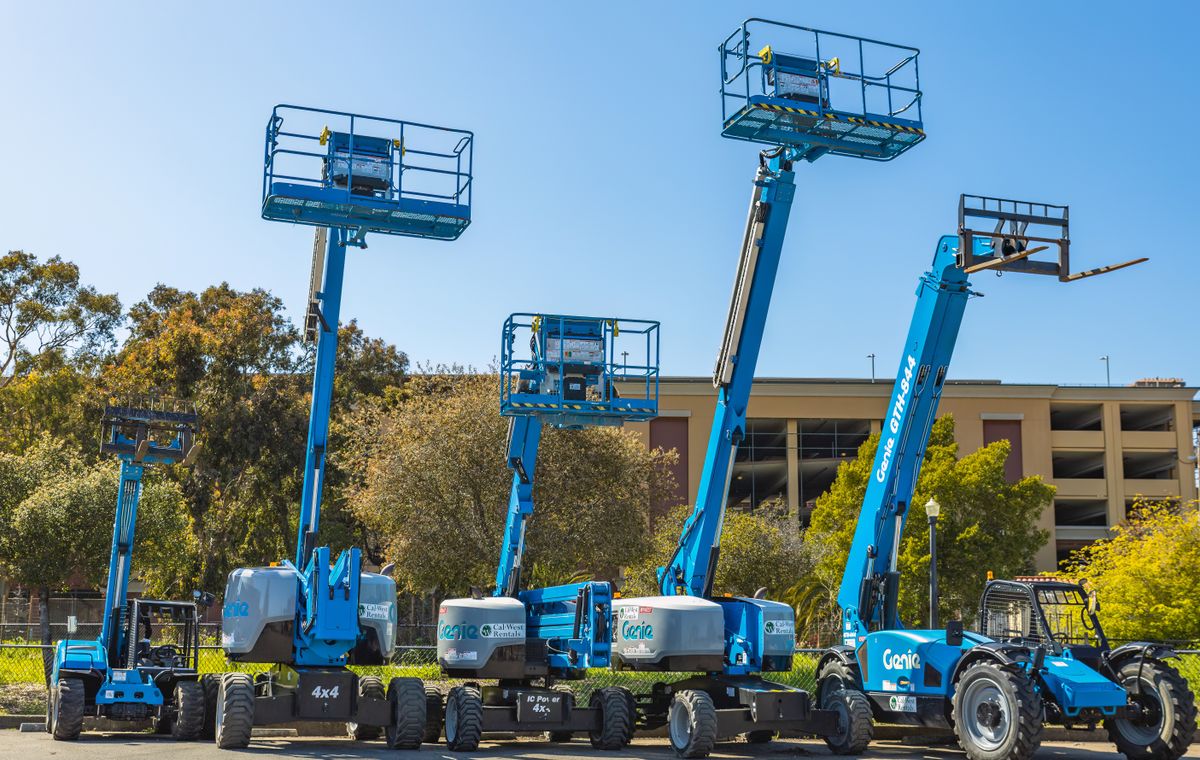




The yard, the cab and the shop floor, on the same record.
The mobile app puts the field work straight into IME. A driver opens today’s trip and the customer signs for the delivery on the glass; a manager approves a purchase order from the site; a storeman counts stock with the camera as the scanner.
Each person sees only the tabs on their own mobile menu, set up by your administrator, and works in the branch they are signed into.
- Deliveries and collections, with a pre-trip vehicle inspection and a signature
- Purchase order and credit note approvals
- Stock counts and item lookups by barcode scan
- Shop floor jobs and production stock-in for the factory
- Clock on and off against the job for labour
- Customer, site and part lookups
From the first quote to a closed month.
The same record carries through the whole cycle. Each step adds to it rather than copying it into the next system.
Quote
A hire quotation, sale quote or workshop quote prices the work against the customer’s own rate card and, where the discount warrants it, routes for approval.
Commit
The accepted quote becomes a contract, booking or order. Stock is allocated, the site or project is created and the delivery is scheduled.
Deliver & service
Deliveries, off-hires, returns, breakdowns, inspections and scheduled services are captured as they happen, each against the contract paying for them.
Bill
Period billing, demand billing or a proforma run raises the invoice. Credit notes trace back to the source document rather than starting from scratch.
Settle
Receipts allocate against the invoice, supplier invoices match to the order they came from, and the bank statement reconciles against both.
Close
The month-end run sheet walks the sequence — backups, purges, journals, depreciation, statements — and shows which steps have completed.
Every screen works the same way.
Learn one processing screen and you can drive the other fourteen hundred. The toolbar, the header-and-details split and the grid behave identically whether you are capturing a hire contract, a purchase order or a general ledger journal.
- Header fields scope the record; the grid below holds its lines
- Save, Print, Excel and Help sit in the same place on every screen
- Any grid exports to Excel without leaving the page
- Keyboard-driven capture, because the people using it capture all day
Depth where most systems stop.
Generic ERP handles the happy path. The cost of running a hire or project business sits in the exceptions — and those are where IME has the most detail.
Operations and finance on one record
The delivery starts the charge days and the return ends the hire and books the units back on hand — an off-hire in between only pauses billing while the unit stays on site. The billing run prices the days that accrued and posting hits the ledger. Four events, one record — no nightly interface to reconcile and nothing to key twice.
Built for multi-branch groups
Branches, warehouses, companies and groups are structural, not an afterthought. Stock, pricing, printing, calendars and reporting all scope to the branch a user is signed into.
Approvals where the money is
Credit limits, capex, purchase orders, journals, quotations, credit notes and write-offs all route for approval inside the system, with the request and the decision on the same record.
Every screen exports
Any grid goes to Excel. Any document prints, emails or SMSes from the same toolbar, into a document store that keeps a copy of what was sent and to whom.
Thirty years of edge cases
Back-dated hire days, over-returns, contested supplier invoices, withholding tax, landed costs, retention, forex revaluation. The awkward parts of the business already have a screen.
Proven core, modern front end
A transactional engine hardened over decades, now driven by a React front end that runs on a laptop, a tablet in the yard or a phone on site.
Built around asset-heavy, multi-branch operations.
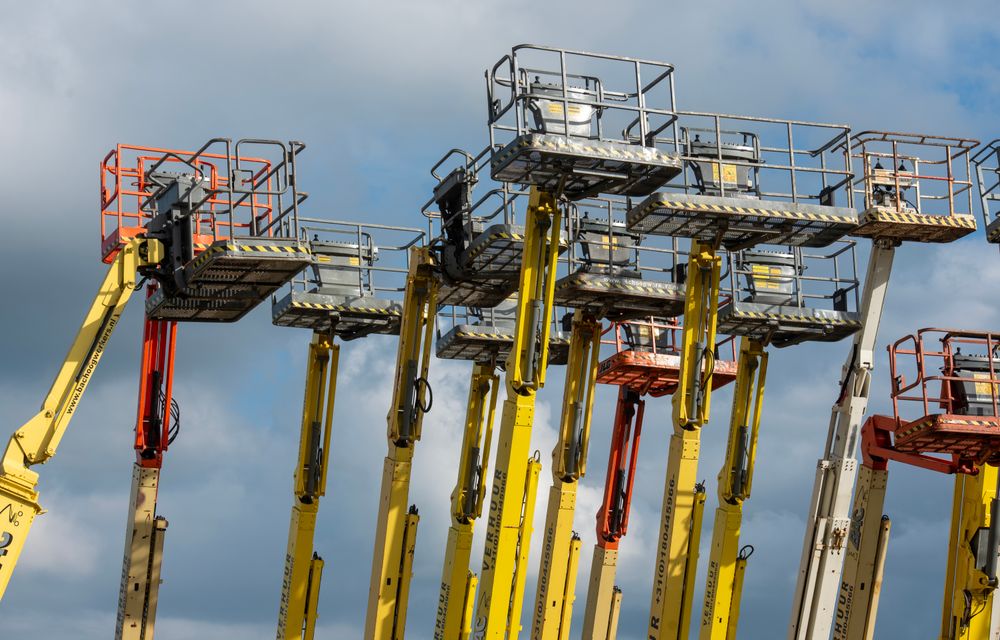
Equipment hire & rental
General plant, access, formwork, scaffolding, tower and event hire — including re-hire from third parties.

Construction & civils
Bill of quantity projects, site instructions, certificates, client claims, subcontractor costs and retention.

Industrial distribution
Multi-branch stock, branch requirement control, inter-branch transfers and landed-cost importing.
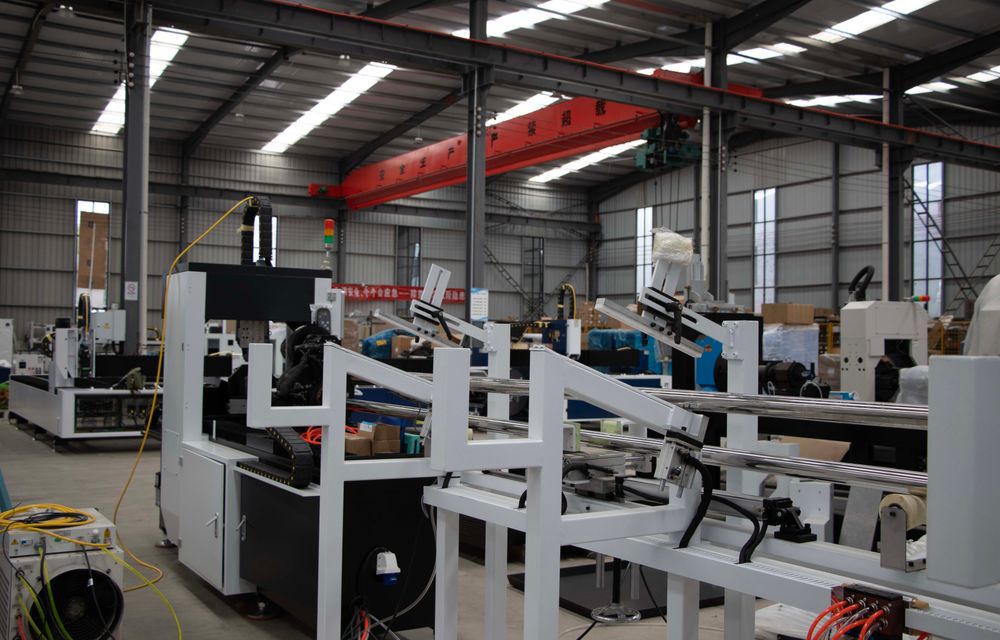
Manufacturing & refurbishment
Bills of material, works orders, product costing, assembly, dismantle and refurbishment cycles.

Service & repair workshops
Job cards with labour, spares and additions, inspection history, meter readings and external repairs.

Group finance shared services
Consolidated debtors, inter-branch charging, subsidiary posting and a ledger report writer.

See IME against your own numbers
Request access and we will walk you through the modules that matter to your operation, using data that looks like yours.