
The plumbing that keeps 29 modules behaving like one system
Branch and company setup, fiscal calendars, document delivery, workflow approvals, user menus and a controlled month-end run sheet. Everything users produce can be printed, emailed, SMSed or exported to Excel from the same toolbar.

Approvals and month-end both run as tracked state on the record, not as email threads.
What is actually in the system.
Everything below is live in IME today, not a roadmap entry.
IME Assistant (AI)
An AI assistant on every screen that does the typing and leaves Save to you.
- Answers how-to questions from your help pages
- Opens and fills screens on your own menu
- Reads the PDFs and photos you drop in
- Never saves, posts or deletes; every step is logged
Company & branch setup
The structure every other module reads from.
- Companies, branches and warehouses
- Billing calendars and period dates
Month end
A numbered run sheet that shows what has run.
- Month-end run sheet
- Invoice and statement runs
Documents
One document store behind everything you send.
- Email or reprint any document
- Attachments on any customer, supplier or site
Workflow & security
Approvals and menus are part of the system, not an email thread.
- Approval chains for credit, capex, orders, journals and credit notes
- Menus set per user
Business intelligence
Your data, served to the BI tools you already use.
- Data Explorer
- OData feed for Power BI and Excel
Analysis
Cross-branch reporting on live data.
- Cross-branch reports and KPIs
- Cash flow and VAT enquiries
- Excel export from any grid
The rest of the platform.

Hire & Rental
Run the whole rental lifecycle on one contract

Supply Chain & Inventory
Know what you own, where it is, and what it is worth
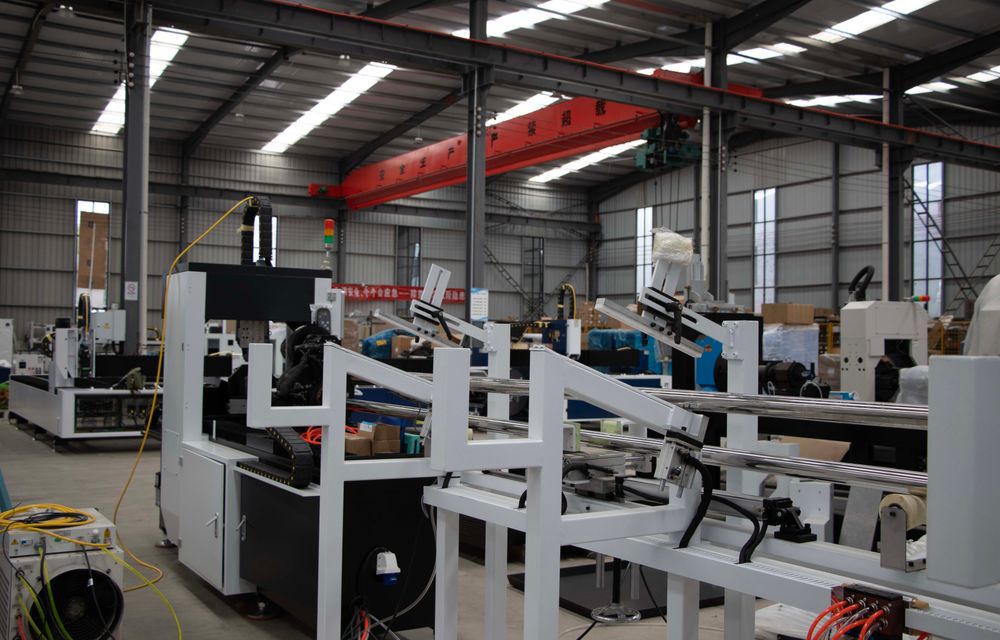
Manufacturing
From the sales order to the shop floor and back to stock

Finance
Debtors, creditors, cashbook and ledger without the re-keying

Service & Projects
Workshop jobs and contract costing against real margins

CRM
Customer relationships on the same record as the invoices

Put Platform & Administration in front of your team
Request access and we will show you these screens running against data that looks like yours.